

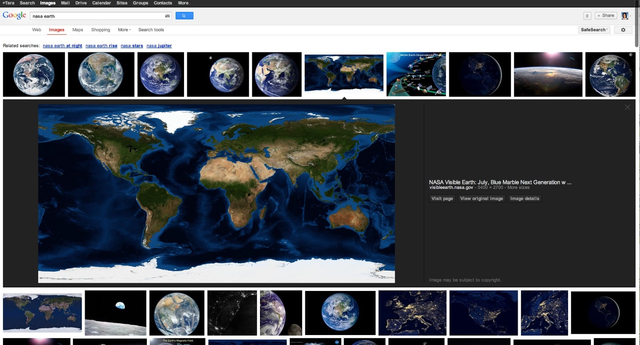
Google Images is to get a new design, almost completely changed from the current version.
The main change to the UI is the large previews which are now displayed in an inline panel so you don’t have to leave the image results to view a larger image. It also means that you can browse the image previews using your keyboard. The image information is displayed on the right side, as well as a clickable link straight though to the source website. This speeds up the image finding process, as it means it’s easier to identify the size and format of images.
The change should roll out over the next few days.
Source: Google Webmaster
